NHS App step by step user guide
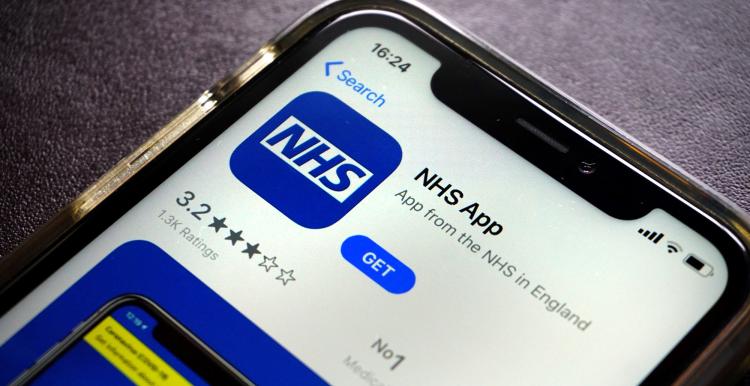
The NHS App helps you manage your healthcare and as simply and conveniently as possible at home or on the go, without having to call your GP or pharmacy.
What you can do on the NHS App includes:
- Manage hospital appointments
- Check your GP health record
- Track your prescriptions
- Receive a smartwatch or mobile prescription ready notification
- Order repeat prescriptions
To use the NHS App, you will need to be:
- 13 years or older (if you are aged 13-15 you will need to contact your GP surgery for access to GP online services before you can use the NHS App)
- Registered with a GP surgery in England or the Isle of Man
Note, those registered at a surgery provided by Defence Medical Services (DMS) cannot currently use the NHS App.
How to register:
You can find out how to register with the NHS App on the NHS England website.
How to set up the NHS App:
You can read the online step by step guide to help you set up the NHS App on the NHS England website by clicking on the pink button below.
NHS App resources:
The NHS England website has some helpful online resources to help you get started, including animations and Easy read guides to support people with learning disabilities, older people, and anyone who may feel unsure about using the NHS App.
Click on the pink button below to access the NHS App resources.